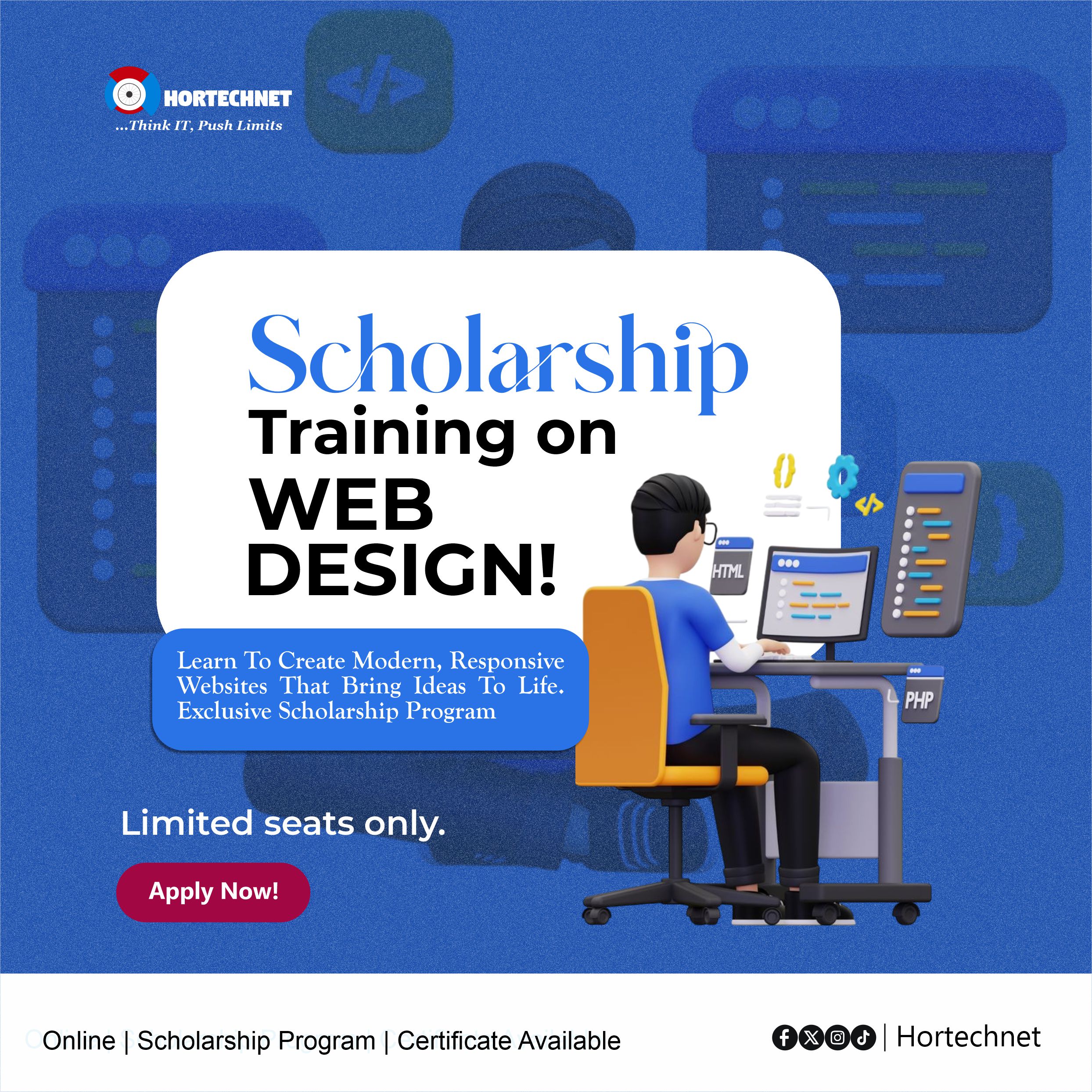




This Web Design course provides a complete roadmap for beginners and intermediate learners to master the creation of responsive, functional, and visually appealing websites. Students will start with foundational coding (HTML, CSS, JavaScript).
Through hands-on projects, students will gain real-world experience in designing pages, blogs, portfolios, e-commerce stores, and more, preparing them for freelancing, agency roles, or launching their own online platforms.
What is Web Design vs. Web Development?
How Websites Work: Domains, Hosting, Servers
Design Principles: Layout, Color, Typography, UX/UI
Tools: Code Editors (VS Code), Browsers, and DevTools
HTML Tags & Document Structure
Headings, Paragraphs, Lists, Links
Images, Videos, Tables, and Forms
Semantic HTML5 Elements (section, article, nav, etc.)
Embedding YouTube, Maps, PDFs
CSS Syntax & Selectors
Colors, Fonts, Borders, Shadows
Box Model, Margin, Padding
Positioning (Relative, Absolute, Flexbox, Grid)
Responsive Design with Media Queries
Creating Layouts & Styling Forms
Variables, Data Types, Operators
Functions, Loops, and Conditions
DOM Manipulation
Form Validation
Simple Animations and Toggle Effects
Mini Projects: Calculator, Slideshow, Dropdown Menu
What is WordPress? CMS vs. Hard Coding
Installing WordPress on Localhost or cPanel
Themes & Page Builders (Elementor, Block Editor)
Plugins for SEO, Contact Forms, Security
Creating Pages: Home, About, Services, Contact
Blog Management: Posts, Categories, Comments
User Roles and Settings
Using the Code Editor in WordPress
Editing Themes Safely with Child Themes
Adding Custom HTML/CSS/JS Widgets
Troubleshooting Display Issues
Choosing a Domain and Hosting Provider
Using cPanel, File Manager, FTP (FileZilla)
Uploading Websites Manually or via Softaculous
Backing Up & Restoring Sites
Speed Optimization & Security Tips
Design a Full Website (HTML/CSS or WordPress)
Optional Pages: Portfolio, Blog, Gallery, Services
Mobile-Friendly & SEO-Ready
Present Website to Class for Review
Live Hosting (optional)
Project-based learning with templates and starter code
Quizzes and Assignments
GitHub version control (optional)
Tips for Freelance Web Design
Certificate of Completion


 Oluwashina Sulaimon

 Bako Ovey

 Amoo Sunday